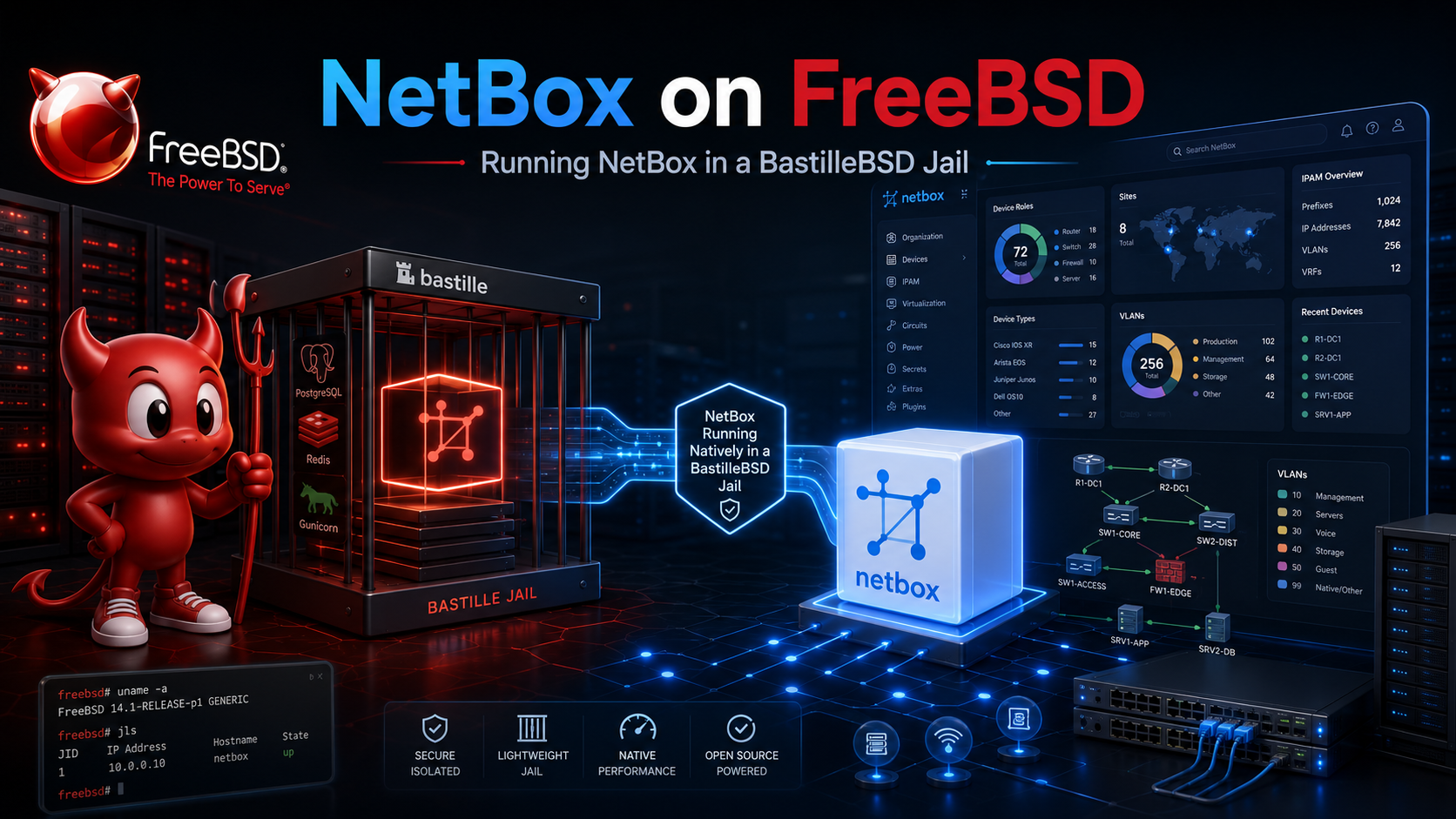
I wanted a simple source of truth for my home network: physical hosts, virtual machines, VLANs, prefixes, IP addresses, interfaces and switch connections. I was already keeping some of this information in NocoDB, but once the relationships between devices, interfaces and IPs become important, NetBox is a much better fit.
The official installation documentation targets Linux, but NetBox itself is a Python/Django application backed by PostgreSQL and Redis. With a few FreeBSD-specific adjustments it runs cleanly inside a jail.
Architecture
FreeBSD 15.1-RELEASE host
│
└── netbox VNET jail
    │
    ├── nginx          :80
    │    └── Gunicorn  127.0.0.1:8001
    │         └── NetBox
    │
    ├── PostgreSQL 17
    ├── Redis
    └── NetBox RQ worker
Everything runs natively in one jail using normal FreeBSD services.
Why a jail?
- Native FreeBSD deployment without Docker
- No Linux VM just for NetBox
- PostgreSQL, Redis and nginx come from normal FreeBSD packages
- ZFS snapshots make rollback easy
- VNET gives the jail its own LAN address
- The application can be managed with standard service commands
Creating the jail
Create a VNET jail on the FreeBSD host. Adjust the address and interface for your network:
bastille create -V netbox 15.1-RELEASE 192.168.2.55/24 vtnet0
Before starting PostgreSQL, give the jail private System V IPC namespaces:
bastille config netbox set sysvmsg new
bastille config netbox set sysvsem new
bastille config netbox set sysvshm new
bastille restart netbox
Without these settings PostgreSQL initdb fails with:
FATAL: could not create shared memory segment: Function not implemented
DETAIL: Failed system call was shmget(...)
Enter the jail:
bastille console netbox
Installing NetBox
The bootstrap script installs the full stack:
fetch https://codeberg.org/dkade/BSD/raw/branch/main/FreeBSD/netbox/install_netbox_freebsd.sh
chmod +x install_netbox_freebsd.sh

NETBOX_HOST=netbox.home.lan \
NETBOX_IP=192.168.2.55 \
./install_netbox_freebsd.sh
The current script is pinned to NetBox 4.6.1 and installs:
- Python 3.12
- PostgreSQL 17
- Redis
- Gunicorn
- nginx
NetBox itself lives under:
/usr/local/netbox/
├── src/
├── venv/
└── gunicorn.py
The installer creates native FreeBSD services for:
netbox
netbox_rq
and enables the standard services:
postgresql
redis
nginx
FreeBSD service handling
This was the main FreeBSD-specific part.
A first implementation used:
daemon
└── su
    └── gunicorn
It started successfully, but stop and restart could hang because the FreeBSD service framework was tracking a supervisor process instead of the actual Gunicorn master.
The working version lets Gunicorn daemonize itself and maintain:
/var/run/netbox/netbox.pid
The rc.d script then signals the real Gunicorn master directly.
The RQ worker uses the same principle and stores its real PID at:
/var/run/netbox/netbox-rq.pid
This gives normal FreeBSD behaviour:
service netbox start
service netbox stop
service netbox restart
service netbox status

service netbox_rq start
service netbox_rq restart
service netbox_rq status
nginx
nginx listens on port 80 and proxies to Gunicorn on localhost:
client
  |
  v
nginx :80
  |
  v
Gunicorn 127.0.0.1:8001
  |
  v
NetBox
The generated configuration lives at:
/usr/local/etc/nginx/conf.d/netbox.conf
Creating the administrator
After installation:
cd /usr/local/netbox/src/netbox

su -m netbox -c \
  '/usr/local/netbox/venv/bin/python manage.py createsuperuser'
Then open the hostname or jail IP in a browser.
ALLOWED_HOSTS and CSRF
Django validates both request hosts and POST origins.
The installer adds the configured hostname and optional jail IP to:
ALLOWED_HOSTS = [
    'netbox.home.lan',
    '192.168.2.55',
    'localhost',
    '127.0.0.1',
]

CSRF_TRUSTED_ORIGINS = [
    'http://netbox.home.lan',
    'http://192.168.2.55',
]
If the origin is missing, the UI can load normally but login fails with:
Forbidden (403)
CSRF verification failed. Request aborted.
If HTTPS is added later, add the matching https:// origin as well.
Checking the stack
service netbox status
service netbox_rq status
service postgresql status
service redis status
service nginx status
Gunicorn should only listen on localhost:
sockstat -4 -l | grep 8001
nginx should listen on port 80:
sockstat -4 -l | grep ':80'
Upgrading
Before upgrading I would take a ZFS snapshot and dump PostgreSQL:
pg_dump -U netbox -h 127.0.0.1 netbox > /root/netbox.sql
Then stop the application:
service netbox_rq stop
service netbox stop
For now the installer intentionally stays pinned to a known working NetBox release rather than automatically following the latest tag. A separate upgrade script can later handle release download, Python dependency updates, migrations, static file collection and service restart.
Gotchas
- System V IPC: PostgreSQL needs
sysvmsg=new,sysvsem=newandsysvshm=newin the Bastille jail. - Service user shell:
/bin/shavoids thesuand user-environment problems we hit with/usr/sbin/nologin. - Gunicorn 26 runtime path: set
XDG_RUNTIME_DIR=/var/run/netboxso its control socket is created in a directory owned by the NetBox user. - Avoid
daemon -> su -> gunicorn: startup works, but signal propagation makes stop/restart unreliable. - Track the real RQ worker PID: the same supervisor problem applies to the background worker.
- CSRF matters: any hostname or IP used in the browser must be represented in the Django host/origin configuration.
- Static docs directory: release archives may omit
project-static/docs; creating it avoids Django’s static-files warning. - FreeBSD is not NetBox’s officially documented installation target: future upgrades may need extra ports/packages when Python dependencies change.
Summary
NetBox runs well natively inside a Bastille VNET jail once the service supervision and PostgreSQL IPC details are handled.
The final stack is simple:
FreeBSD jail
├── nginx
├── NetBox / Gunicorn
├── NetBox RQ
├── PostgreSQL
└── Redis
No Docker, no Linux VM, and the whole application behaves like a normal FreeBSD service.
Disclaimer: I use AI as a productivity tool. For a senior engineer, AI is incredibly powerful as one can focus on the solution design and conceptualization and leave the boring part that is implementation to the AI.